
Yes, Burger King Canada accepts Apple Pay at the counter, at the drive-thru window and inside the BK app. Payments made through the app earn Royal Perks Crowns automatically. A counter tap only earns Crowns if you scan your Royal Perks code first.
Burger King Prices Mentioned in This Guide
| Item | Price | Calories | Protein | Sodium |
|---|---|---|---|---|
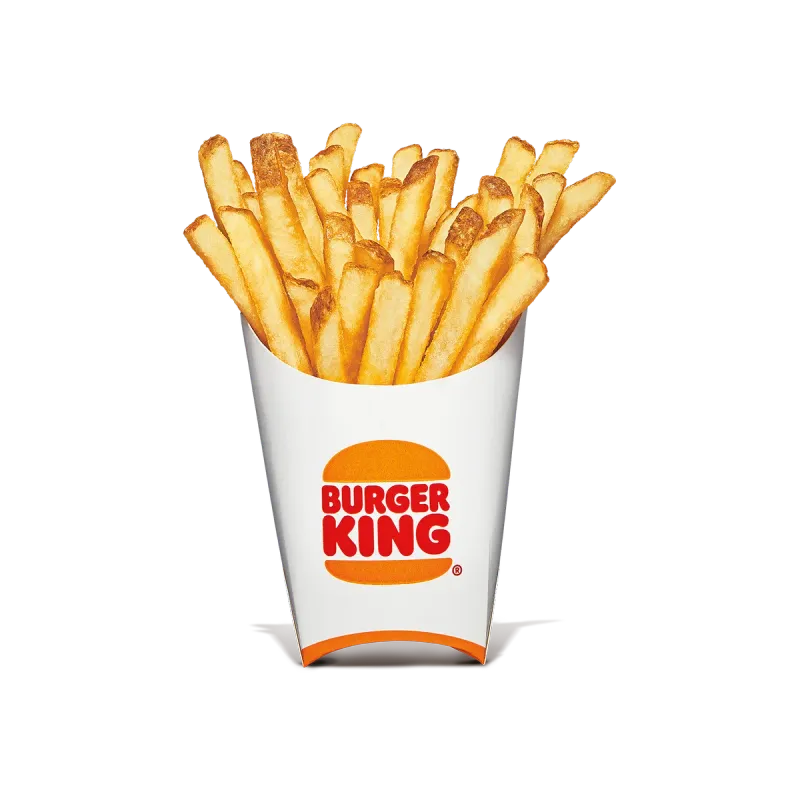
| Medium Fries | $4.19 | 380 cal | 4 g | 360 mg |
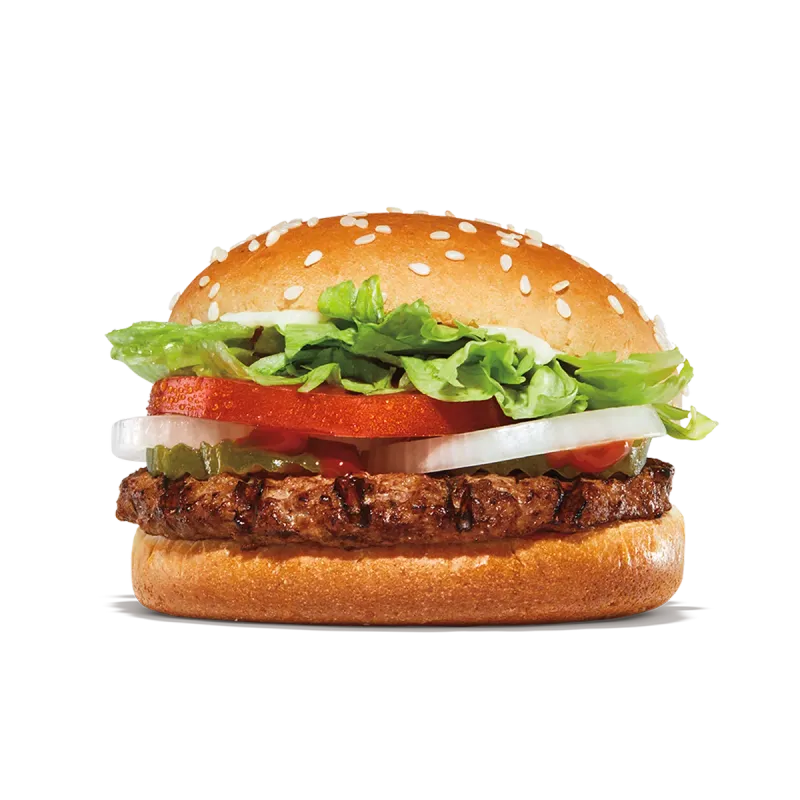
| Whopper Jr. | from $4.99 | 350 cal | 15 g | 500 mg |
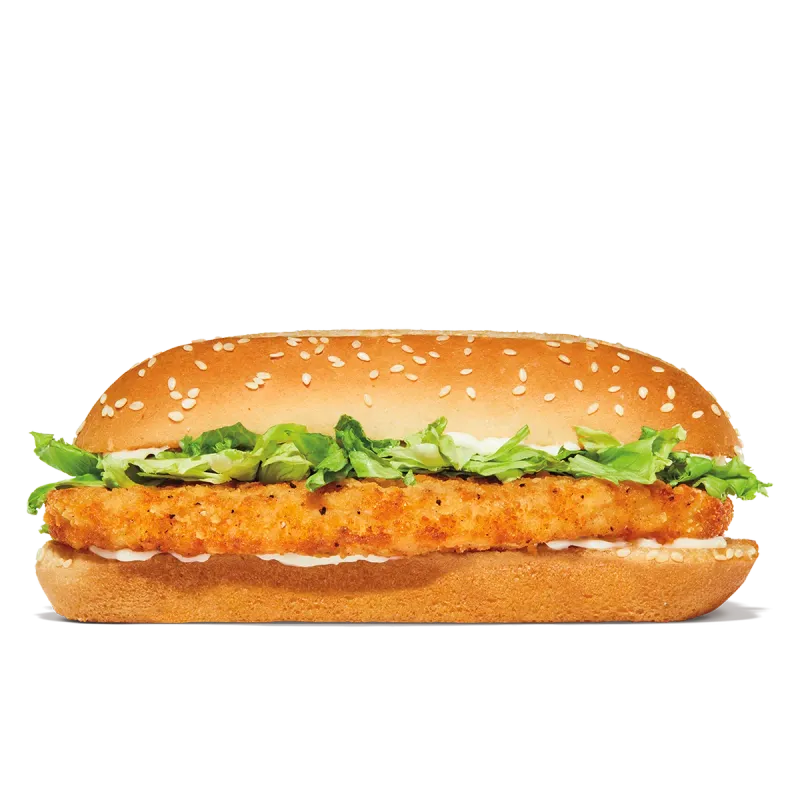
| Original Chicken Sandwich | from $6.59 | 680 cal | 23 g | 1300 mg |
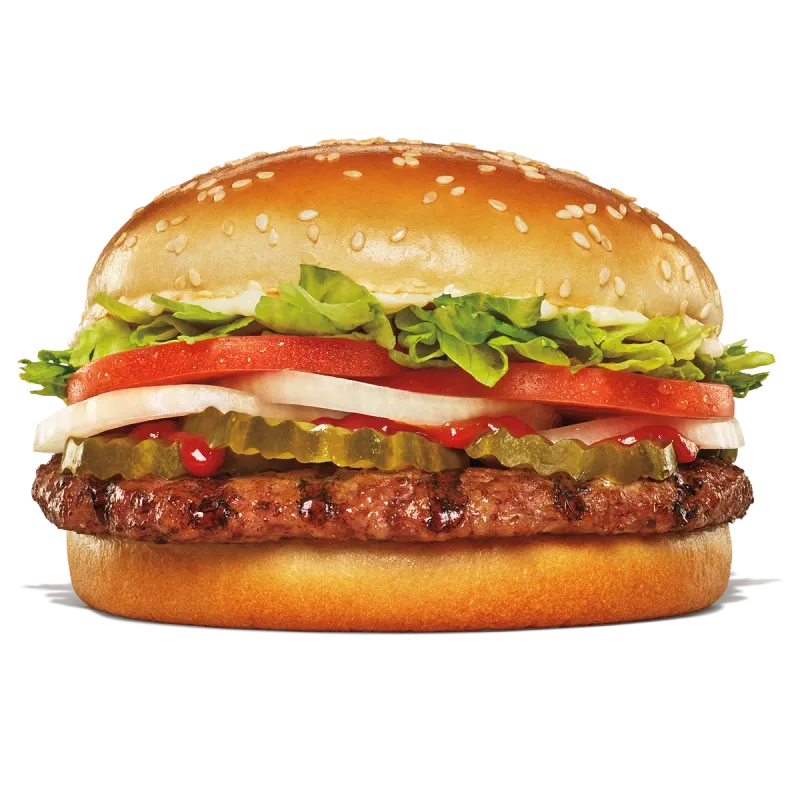
| Whopper | from $7.99 | 710 cal | 33 g | 1150 mg |
Prices in CAD and may vary by location. Data from publicly available Burger KingCanada information · Updated 03 November 2026. Report an error
Apple Pay Works at the Counter, the Drive-Thru and in the App
Burger King Canada restaurants run standard Canadian contactless terminals, the same hardware that reads Interac Flash and tap credit cards. Apple Pay rides on that infrastructure, so a Whopper at $7.99 paid by iPhone clears exactly like a tapped Visa. There is no separate Apple Pay lane, no special till and no need to warn the cashier. Hold the phone to the reader when the total appears.
The drive-thru works the same way, with one physical catch. The window terminal is usually handed out to you or mounted just inside the frame, and the NFC antenna sits in a specific spot on the face of the reader rather than across the whole surface. Line the top of the phone up with the contactless symbol and hold it steady for a full second. An awkward reach out of a high vehicle is the most common reason a drive-thru tap fails, and it has nothing to do with Apple Pay itself.
Inside the BK app, Apple Pay appears as a payment option at checkout for mobile order and pay. Build the order, pick the restaurant, choose pickup at the counter, the drive-thru or curbside, then authorise with Face ID or Touch ID. The card details never reach the restaurant, since Apple Pay passes a device specific token instead of your real card number, which is the same protection you get tapping in person.
Set It Up and Earning Royal Perks Crowns
Setup happens in the Wallet app, not in anything Burger King controls. Add a card with the plus button, scan it or type the number, then complete the bank's verification step, usually a code by text or a tap through your banking app. Canadian issuers including RBC, TD, Scotiabank, BMO, CIBC and the major credit unions all support Apple Pay, and Interac Debit cards can be added the same way. Apple Watch users add cards separately through the Watch app, then double click the side button and hold the watch face to the reader. Set a default card in Settings under Wallet and Apple Pay so the right one comes up first at the till, and keep at least one credit card in Wallet alongside the debit card, since a small number of older terminals handle credit contactless more reliably than Interac.
Crowns are where the method actually matters. An order placed and paid inside the BK app earns Royal Perks Crowns automatically, because the order is attached to your account before the payment ever happens. That holds true when Apple Pay is the funding source. Nothing extra is required, and the Crowns post to your balance within a few minutes of pickup.
A counter or drive-thru tap is a different situation. Apple Pay carries no loyalty identity of its own, so a plain tap earns nothing. Scan the Royal Perks QR code from the app before the cashier totals the order, then pay by phone. Do the code first and the tap second, since the code cannot be added after the transaction closes. The coupons and offers page covers which app deals stack with Crown earning.
When a Terminal Declines, and What Else Burger King Takes
A declined tap at Burger King almost always traces to one of five things: the card in Wallet has expired or was replaced by the bank, the bank flagged the transaction for unusual activity, the phone was not woken and confirmed with Face ID before the tap, the reader lost NFC contact through a thick case or a metal wallet, or Express Transit grabbed the wrong card. Work through it in order. Wake the phone and clear the lock screen, confirm the card at the top of Wallet is the one you want, remove the case, and hold the device flat against the symbol rather than waving it past.
If a second attempt fails, stop retrying and hand over the physical card. Repeated declines on the same terminal sometimes trip an issuer's fraud rule and lock the card for the next hour, which turns a minor annoyance into a genuine problem at the next stop. The transaction is not held anywhere. A declined Apple Pay attempt places no pending charge on your account.
The rest of the payment options are broad. Google Pay and Samsung Pay work on the same contactless readers, as do tapped Visa, Mastercard and American Express cards. Interac Debit is accepted by tap and by chip and PIN, cash still works at every counter, and Burger King gift cards are accepted in restaurant and inside the app. Contactless ceilings apply to plain card taps, commonly around 250 dollars for Interac Flash, while Apple Pay bypasses that limit because the phone confirms your identity with Face ID or Touch ID. A Whopper Jr. at $4.99 with Medium Fries at $4.19 is nowhere near any of those thresholds anyway.
Is Apple Pay the Best Way to Pay at Burger King?
In the app, yes, without much argument. The order is tied to your Royal Perks account, the Crowns post on their own, offers apply before you authorise, and the payment takes one press of a button. Skip the counter queue entirely and the trip from parking to food gets shorter, which is the whole point of mobile order and pay in the first place. An Original Chicken Sandwich at $6.59 ordered from the parking lot is usually ready before you reach the door.
At the counter the advantage is thinner. Apple Pay is faster and safer than digging out a card, but a plain tap earns you nothing on its own, and the code scan that fixes it is the step most people forget in a queue. If you eat at Burger King regularly, the app is worth the install for the Crowns alone. If you go twice a year, tap the phone and do not think about it.
Delivery is the case where none of this applies. Uber Eats, DoorDash and SkipTheDishes take the payment themselves, so Apple Pay works inside those apps and earns no Crowns at all, and menu prices on delivery platforms usually sit above restaurant prices before fees and tips are added. A direct order through Burger King keeps both the loyalty and the pricing intact. Our delivery guide compares the options, and the store locator shows which nearby restaurants run a drive-thru.
Comments
No comments yet. Start the conversation below.