
The Burger King App in Canada
The BK app is where Burger King Canada keeps its offers, its rewards program and its mobile ordering, in one free download for iOS and Android. Royal Perks members earn crowns on every dollar spent, and the Offers tab carries discounts that never reach the menu board. Mobile order and pay sets the order at home for pickup at the counter, the drive-thru or the curb at participating restaurants. The locator inside covers the same 321 Canadian restaurants listed on this site.
What the Burger King App Looks Like
These are the screens you land on after installing. Offers and Royal Perks sit behind the account tab, and the menu carries the same items and prices as the restaurant you select.
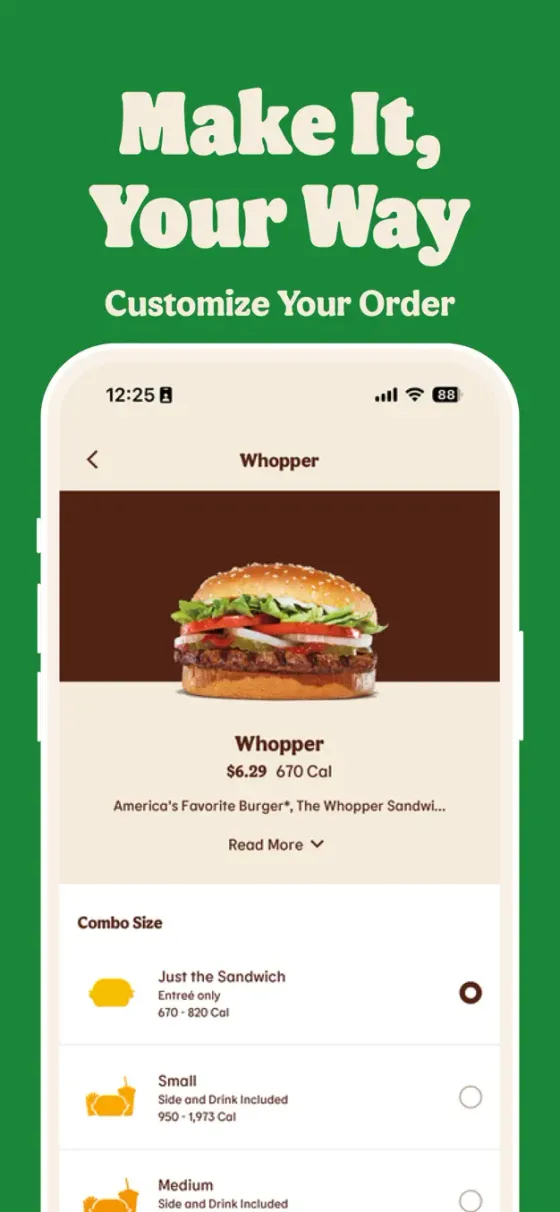
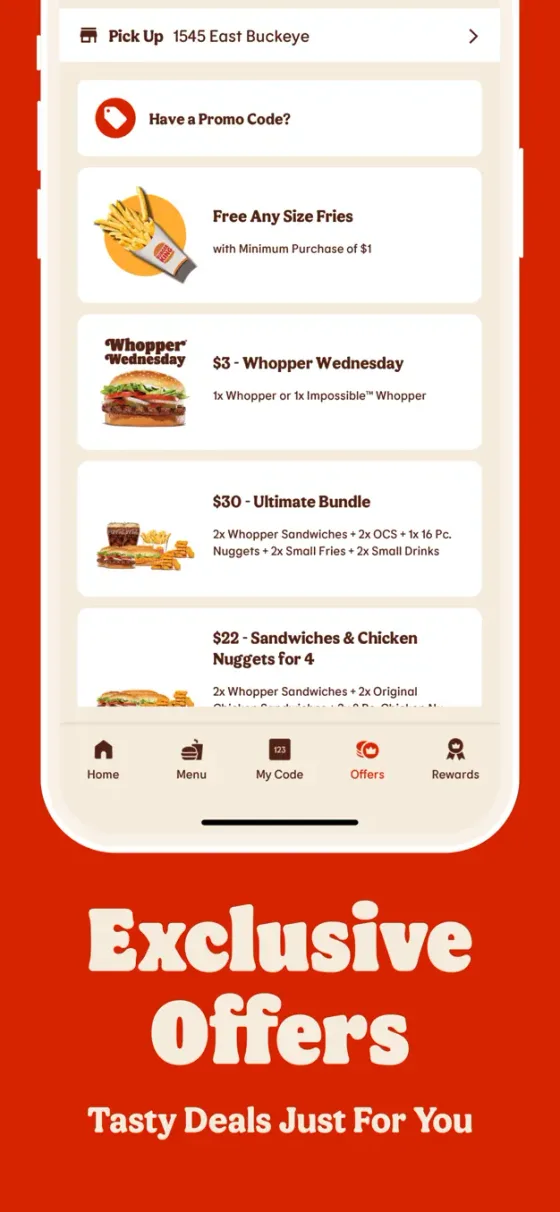
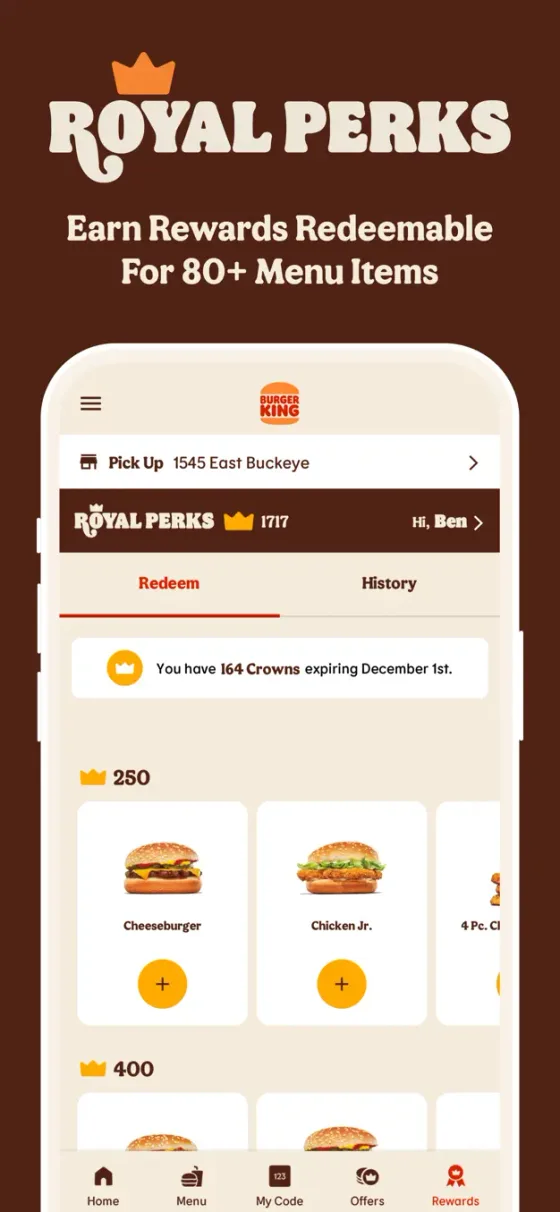
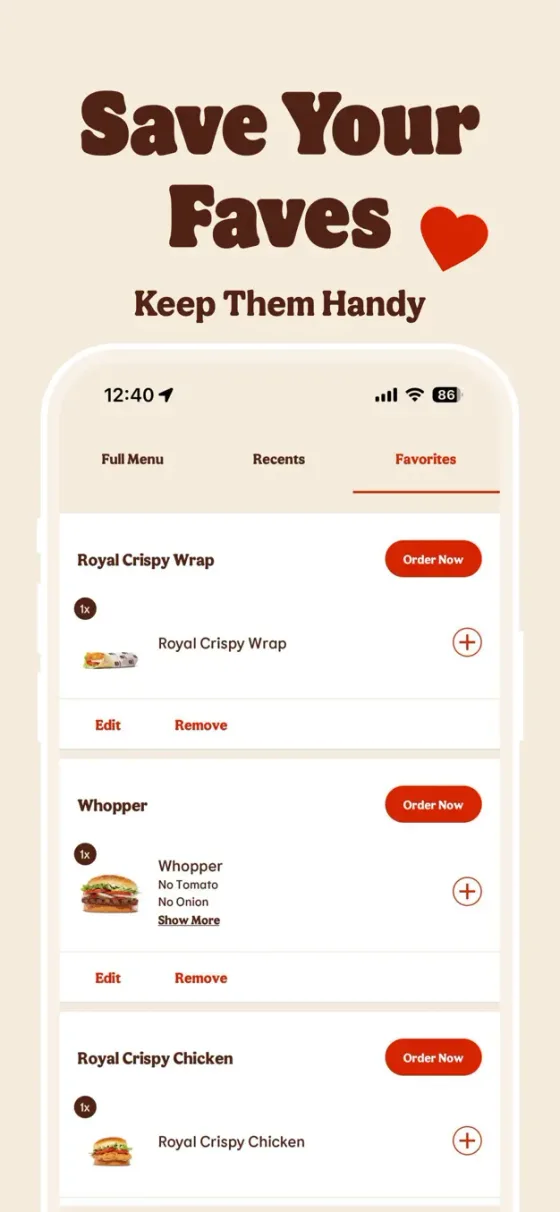
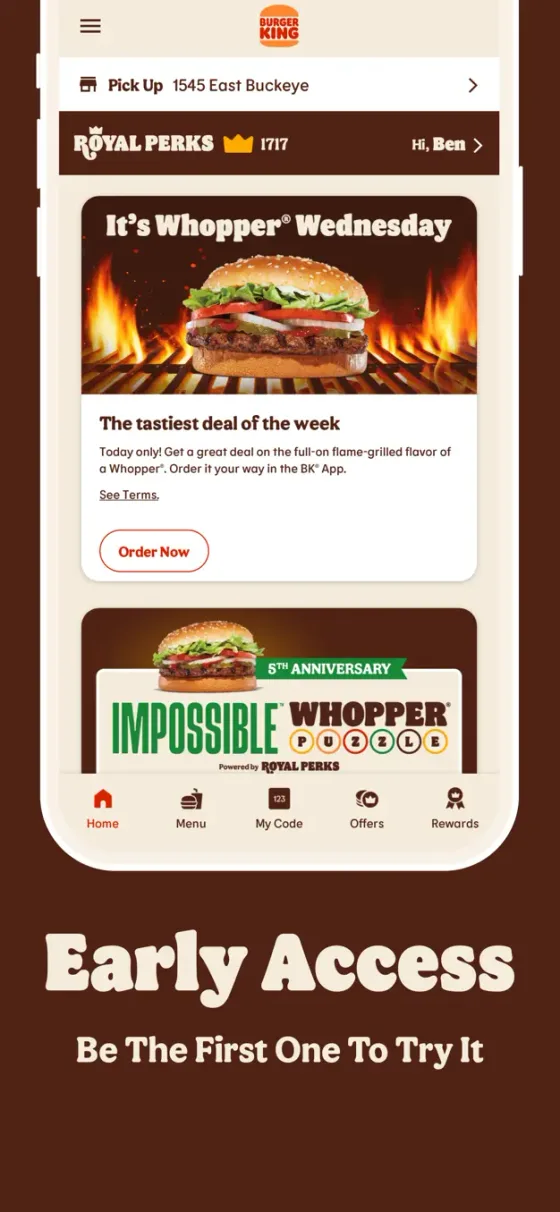
Screenshots from the official Burger King app listing on the App Store.
How to Set Up the Burger King App
Download The BK App
The Burger King app is free on the App Store and Google Play. Search for Burger King and check the publisher reads Restaurant Brands International before installing.
Create A Royal Perks Account
Sign up with an email address or a Google or Apple account. Royal Perks is the Canadian loyalty programme and joining it is what unlocks the Offers tab.
Set Your Restaurant
Allow location access or search your postal code, then pick one of the 321 Canadian restaurants. Prices and availability are set per restaurant, so this step changes what you see.
Open Offers Before Ordering
Tap the offer you want first, then build the order. Offers refresh weekly and cannot be applied after checkout.
Order And Collect Crowns
Choose pickup, drive-thru or delivery, then pay in the app. Every dollar earns Crowns, which convert into free menu items once you pass the redemption threshold.
What the Burger King App Does
Mobile Ordering
Build the order in the app and skip the counter queue. Available at every Canadian restaurant that supports mobile ordering.
Royal Perks Crowns
Earn Crowns on every dollar spent and redeem them for free items. Crowns stack on top of whatever offer you used.
App Only Offers
The Offers tab carries deals that never appear on the menu board. This is where Burger King Canada puts its coupon equivalent.
Store Locator
Find any of the 321 Canadian restaurants with hours, services and directions, including which ones have a drive-thru.
Full Menu And Nutrition
Browse all 156 menu items with prices and calorie counts before you order, and customise any sandwich.
Delivery In App
Order delivery without leaving the app at 316 restaurants, and still earn Crowns on the order.
How Royal Perks Crowns Work
Royal Perks awards Crowns for every dollar spent rather than a percentage discount. Crowns sit in your account until you redeem them for a menu item, and the programme was restructured into tiers with a 200 Crown minimum before the first redemption. That means the free item arrives after several orders rather than immediately, but the Crowns never expire mid tier.
The part people miss is that Crowns and offers are separate. Using an app offer on an order still earns Crowns on the amount you actually pay, so the two stack. Ordering the same food at the counter earns nothing, which is the practical reason to use the app even when you are standing in the restaurant.
See What The Offers Are Worth
The specials page lists current deal pricing so you can judge an app offer against it.
Burger King App FAQ
Is the Burger King app free in Canada?
Yes, on both the App Store and Google Play, and the Royal Perks account behind it costs nothing to open. No subscription or membership fee applies at any tier. The only cost is the food.
How do Royal Perks crowns work?
Members earn crowns on every dollar spent at participating Canadian restaurants, and the balance builds until it reaches a reward level. Rewards arrive as menu items rather than dollar credit, so a set number of crowns buys a specific sandwich or side. A crown redemption and an offer can apply to the same order.
Can I order ahead on the BK app?
Yes. Pick your restaurant, build the order, pay in the app, then choose the counter, the drive-thru or curbside for pickup. The kitchen starts once you check in on arrival, which keeps the food off a warming shelf. Mobile ordering runs at participating restaurants only, and the store locator lists every Canadian one.
Do BK app offers work in the drive-thru?
Yes, at participating restaurants. Open the offer before you reach the speaker and show the code at the window, or place a mobile order and select drive-thru pickup. Counter and curbside redemption work the same way.
Why does my friend see a different offer in the app?
Offers are issued per account and per restaurant. Order history, location and the time since your last visit all shape the list, so two accounts in the same household rarely match. Restaurant participation adds a second layer, since a franchisee can sit out a promotion entirely. More on that sits on the specials page.
Does the app show the prices at my local restaurant?
Yes. Prices load from the restaurant you select, which makes it the most reliable figure available before you order. The prices across this site come from a downtown Toronto restaurant and sit near the top of the national range, as the full menu notes.